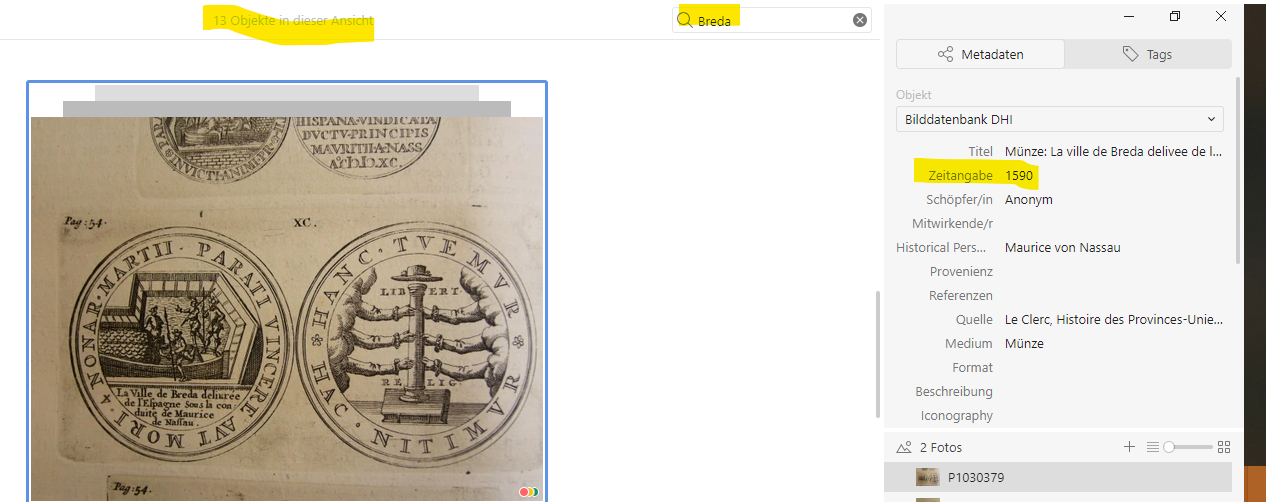
The shortcut below shows you what really is annoying.
- I scroll to an item or select it, e.g. here “Breda”. That is the position where I want to be and go on chronologically, e.g. watch the following images in 1590, 1591 and so on, which however are NOT about “Breda”.
- But to go on chronologically, I have to unselect “Breda” – and then I am back to zero, the beginning of the project view, and have to scroll down hundreds of items to find again my Breda in 1590.
- The easy solution would be to be allowed to stay in the selected item (both in project and item view) also after unselecting “Breda”; or to get back there through a shortcut, tabs, arrows, the suggested “Back to”-option – whatever. But this does not work.
Sorry for still bothering you, and thanks again
Thomas